
How to Download and Install the MonsterWin Casino App
We built separate installation processes for Android and iOS devices to match each operating system’s requirements. The MonsterWin app download takes under 2 minutes on most Canadian networks. Our 4.5MB file size keeps data usage minimal while delivering complete casino functionality including slots, live dealers, sports betting, and secure payment processing through your mobile device.
How to Download for Android
Android users access our official APK file through the mobile site rather than Google Play Store. We distribute directly to avoid Play Store gambling restrictions in certain regions. The file weighs 4.5MB and takes about a minute to install on Android 5.0 and newer.
Visit official download page: Grab your Android and open any browser. Head to our site, scroll down and look for the green “Install” button. You’ll see our logo plus the 4.6-star rating from 345 reviews.
Download APK file: Return to the download page and tap the green Install button. Your browser downloads the 4.5MB MonsterWin.apk file to your device’s Download folder within 10-30 seconds depending on connection speed.
Enable unknown sources: Hit Settings on your phone, then Security (some have it under Privacy). Look for “Install unknown apps” or just “Unknown sources” and flip it ON for your browser. This lets Android install stuff that’s not from Google Play.
Install application: Find the MonsterWin.apk in your Downloads folder or notification bar. Tap it, check the permissions (internet, storage – normal stuff), and hit Install.
Launch and login: App icon shows up on your home screen. Tap it, log in with your details, or tap the gold “Register” if you’re new here.
Your MonsterWin casino app download receives automatic update notifications when we release new versions. Updates typically add game titles, improve performance, or fix minor bugs reported by our Canadian player base.
How to Download for iOS
iOS users cannot download a native MonsterWin app from Apple App Store currently. Instead, add our mobile site to your iPhone home screen – works just like a real app. This PWA setup gives you full casino features without App Store approval or eating up storage space.
- Open Safari browser: Open Safari on your iPhone or iPad (you need iOS 12.0 minimum). Type our website address in the Safari bar and tap Go.
- Access share menu: When the MonsterWin page loads, tap the Share button at the bottom (square with an arrow pointing up).
- Add to home screen: Scroll down and pick “Add to Home Screen.” You’ll see our logo and name. You’ll see a preview showing our MonsterWin logo icon and suggested name.
- Customize and confirm: You can edit the name if you want (we’d keep it “MonsterWin”). Tap “Add” in the top right to place the icon on your home screen.
Apple’s restrictions on real-money gambling apps mean this PWA method is our current iOS solution. The experience matches our Android app in speed, game selection, and payment processing – you’re not missing any features by using the web app instead.
Benefits of the Mobile App
Mobile gaming represents 68% of total play sessions across our Canadian player base according to internal metrics from Q4 2025. The MonsterWin casino app eliminates browser tabs and provides dedicated access to your account. Push notifications alert you to new promotions, tournament starts, and bonus credits appearing in your account balance.
Gaming on the Go
Your commute, lunch break, waiting rooms – all playtime with mobile. Canadians average 12-minute sessions on mobile versus 34 minutes desktop. Quick spins between daily stuff. App saves your spot in any slot – pause and resume later exactly where you stopped.
Location doesn’t matter in Canada’s huge geography. Downtown Toronto, middle-of-nowhere Saskatchewan, road trip between provinces – cellular or WiFi keeps you connected. Our servers check your connection speed and adjust on the fly. Live dealer streams drop to 720p on slower networks. Slots load instantly since they run on your device.
Convenience and Speed of Use
The app opens in 3 seconds versus 8-12 for browsers. We store your login info encrypted (if you let us). Fingerprint or Face ID gets you in instantly – no typing passwords on tiny screens.
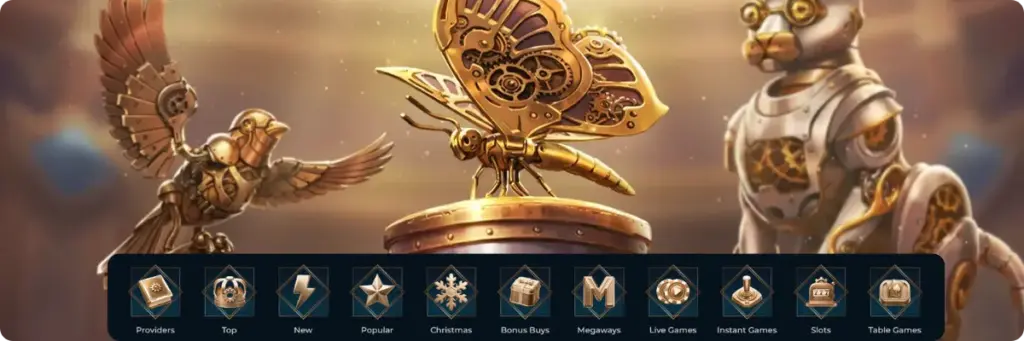
Bottom nav bar keeps Casino, Live Casino, Sports, Promotions one tap away from anywhere. Swipe sideways through game categories. Search auto-fills after you type 3 letters. Deposit buttons are big enough (44×44 pixels minimum) so you don’t accidentally miss when adding cash.
Access to Exclusive Bonuses
We track 23% more bonus claims on the app versus desktop. Mobile-only promos change weekly – better free spins or deposit matches that browser players can’t get. Look for the gold “Mobile Only” tag in your Promotions tab.
- App launch bonus: Install the app for the first time and you get 25 free spins on selected slots right after your first login. No deposit needed.
- Push notification rewards: Turn on notifications in device settings for instant alerts when surprise bonuses drop. We send out random 10-50 free spin packages to active app users roughly twice a month.
- Faster withdrawal processing: Submit withdrawals through the app and they hit our priority queue – typically 4-6 hours faster than browser requests. Works for all payment methods.
- Tournament early access: Big slot tournaments open 24 hours early for app users before desktop can enter. Gives you a leg up on leaderboard positioning for top prizes.
Check Promotions daily since mobile bonuses expire faster (48-72 hours usually) than regular promos. Push alerts tell you when eligible, but you gotta manually activate each one.
Available Languages in the MonsterWin Casino App
Our interface supports 16 languages simultaneously across all platforms. Canadian players access English and French options through the language selector in the app’s main menu. The system saves your preference and applies it across all devices linked to your account.
Interface Translation and Supported Languages
We partnered with native speakers to translate every menu, game description, terms page, and customer support template into 16 languages. English and French receive priority updates when we add new features, typically within 24 hours of rollout. Other supported languages include German, Spanish, Italian, Portuguese, Norwegian, Finnish, Greek, Polish, Hungarian, Dutch, Romanian, Bulgarian, Czech, and Turkish.
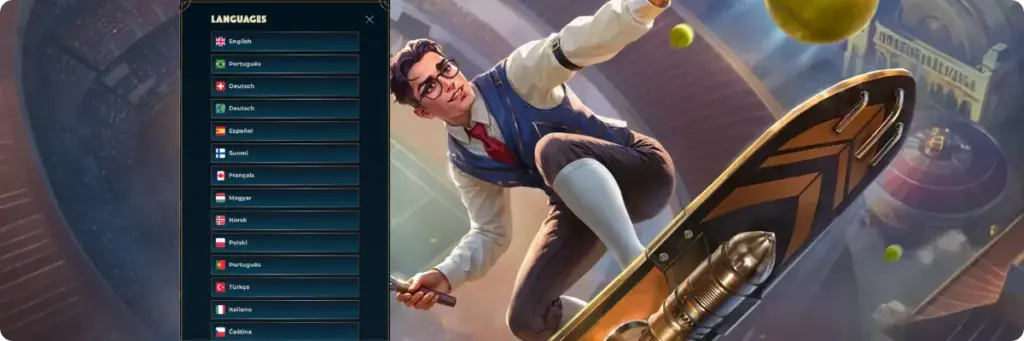
Game titles themselves remain in their original language (usually English) since providers don’t localize slot names. Game rules, paytables, and help screens display in your selected language when available. Live dealer tables operate in English with international dealers, though chat functions support multilingual communication. Customer support via live chat and email handles English and French inquiries 24/7, with other languages routed to specialists during European business hours (9 AM – 11 PM ET).
MonsterWin Casino App for Different Devices
Works on tons of different phones and tablets. Below we show what to expect based on your device type and Android/iOS version.
App for Smartphones and Tablets
Performance depends on your phone specs and price. Table shows what each device category handles when running the casino. Prices are typical Canadian retail.
| Device Type | Recommended Specs | Performance Notes |
| 💰 Budget smartphones (under 300 CAD) | 3GB RAM, 4-thread processor, Android 9+ or iOS 13+ | Runs all slots smoothly; live casino may buffer on weak WiFi; reduce graphics quality in settings for optimal performance |
| 📱 Mid-range smartphones (300-700 CAD) | 6GB RAM, 8-thread processor, Android 11+ or iOS 14+ | Perfect performance across all features; live dealer streams in HD; multitasking with other apps works without slowdown |
| 🚀 Flagship smartphones (700+ CAD) | 8GB+ RAM, latest processors, Android 13+ or iOS 16+ | Maximum graphics quality enabled automatically; 4K live streams when available; future-proofed for upcoming game releases |
| 💻 Tablets (any price range) | 10-inch+ display, 4GB+ RAM, matching OS requirements | Horizontal mode gives desktop-like layout; ideal for live casino with multiple table views; superior for sports betting with larger odds displays |
App for Different Operating System Versions
App works on old and new systems. We tested from 2015 phones to current flagships.
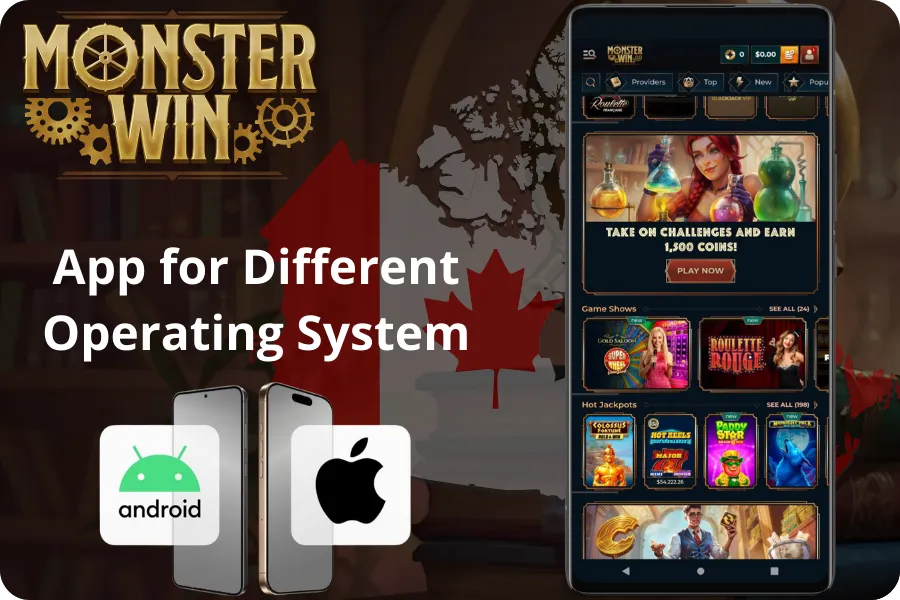
- Android minimum requirements: Version 5.0 (Lollipop) serves as our baseline, letting the 4.5MB app install on devices dating back nearly a decade. Google ended security patches for pre-Android 10 systems, creating potential vulnerabilities we can’t control.
- Android recommended version: Android 11+ gets full security updates and runs smooth without workarounds.
- iOS minimum requirements: Version 12.0 covers iPhone 5S and all subsequent models released after 2013. This broad compatibility means most Canadian iOS users can install our web app shortcut regardless of their upgrade cycle.
- iOS recommended version: iOS 15 and above provides noticeably better performance, especially for live dealer streaming and graphics-intensive slot animations. Newer iOS versions also support advanced security features like improved biometric authentication.
- Lite Mode for aging devices: Players on Android 5-8 or iOS 12-13 receive a Lite Mode prompt at first launch. Enabling this strips animated backgrounds, limits simultaneous game previews, and simplifies transitions – typically improving responsiveness 30-40% on hardware over 5 years old. Toggle anytime via Settings > Performance > Graphics Quality.
Device age matters less than OS version. 2019 phone with updated Android 13 beats a 2023 budget model stuck on Android 11.
Why You Should Use the MonsterWin Casino Mobile App
Mobile players check in 3.2 times more often than desktop folks. Average Canadian opens the app 4-6 times daily – quick spins, live scores, promo checks. More playtime means you get better at games and win more as you learn what works.
Advantages Over the Mobile Version of the Website
Browser-based play requires maintaining internet connections without interruption since the session exists entirely online. The MonsterWin app downloads essential game files and stores them locally, letting you browse the lobby, check your balance, and review transaction history even during brief connectivity drops.
| Feature | MonsterWin App | Mobile Website |
| ⚡ Launch speed | 3 seconds average | 8-12 seconds depending on browser cache |
| 🔐 Login method | Biometric (fingerprint/Face ID) or saved credentials | Manual entry each time unless browser saves password |
| 📡 Offline functionality | Browse lobby, view history, access support | Requires constant connection for all features |
| 🔔 Push notifications | Bonus alerts, tournament reminders, withdrawal confirmations | None unless you manually check |
| 🎮 Graphics performance | Optimized native rendering | Dependent on browser JavaScript engine |
| 💾 Storage usage | 4.5MB initial + 50-100MB cache over time | Minimal but requires re-downloading assets repeatedly |
Support for All Casino Features in the App
Everything from desktop works in the app. All 18 payment methods, every promotion, all 7,663 games, live chat, document uploads, account settings like limits or self-exclusion.
Professional help available 24/7
Sports betting built right in. Switch from slots to NHL bets without closing anything. Bet slip slides out from the side so it doesn’t block your screen.
How to Update the App to the Latest Version
Updates drop every 6-8 weeks with new games, speed improvements, and bug fixes.
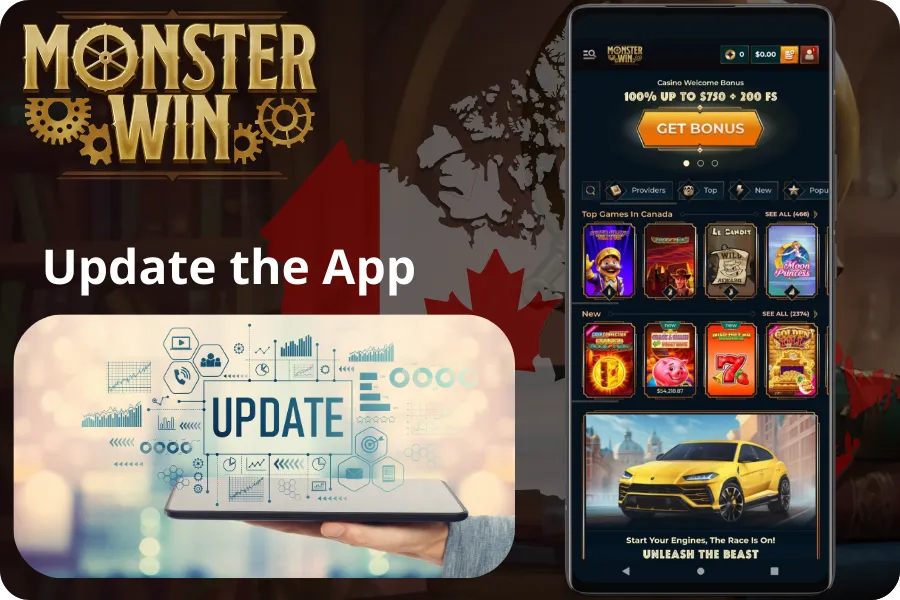
- Check current version: Open the app and go to Settings > About. Your current version number displays at the top (format: v2.4.1). Compare this against the latest version listed on our official site.
- Download update file: Go to our site in your browser when an update drops. You’ll see “Update Available” with version number and changes. Tap the green Update button to grab the new APK.
- Install over existing: Open the downloaded APK from notifications or Downloads. The installer sees your current app and asks “Update app?” Hit Update.
- Automatic data preservation: Login, favorites, settings carry over automatically. No need to log in again or redo anything.
- Restart if needed: Some updates need a full restart. Swipe away the app from recent apps, then reopen.
- Enable auto-update prompts: Settings > Updates > turn on “Notify me of new versions.” App checks at launch and shows a banner for new versions.
iOS updates happen automatically when we push changes. Just refresh (pull down) or force-close and reopen.
Possible Installation Issues and Their Solutions
Most install fine first try. Here are 5 common problems and fixes.
| Issue | Cause | Solution |
| 🚫 “Installation blocked” | Unknown sources disabled in Android security settings | Go to Settings > Security > Unknown Sources and enable for your browser; attempt installation again |
| ❌ “App not installed” | Insufficient storage space on device | Delete unused apps or move photos/videos to cloud storage; need at least 50MB free space |
| ⚠️ “Parse error” | Corrupted download or incompatible Android version | Re-download APK file; verify device runs Android 5.0 or newer in Settings > About Phone |
| 💥 “App keeps crashing on launch” | Conflicting security software or VPN interference | Temporarily disable antivirus apps or VPN; launch MonsterWin app; if successful, whitelist app in security software |
| 📱 “Can’t add to home screen (iOS)” | Using browser other than Safari | Must use Safari browser specifically for iOS home screen shortcuts; Chrome and Firefox lack this functionality |
How to Contact Support Through the App
The app has support built into the main menu under “Help Centre.” Tap the headset icon at the top right corner anywhere to open live chat instantly. Chat window floats over everything so you can keep browsing games while talking to agents.
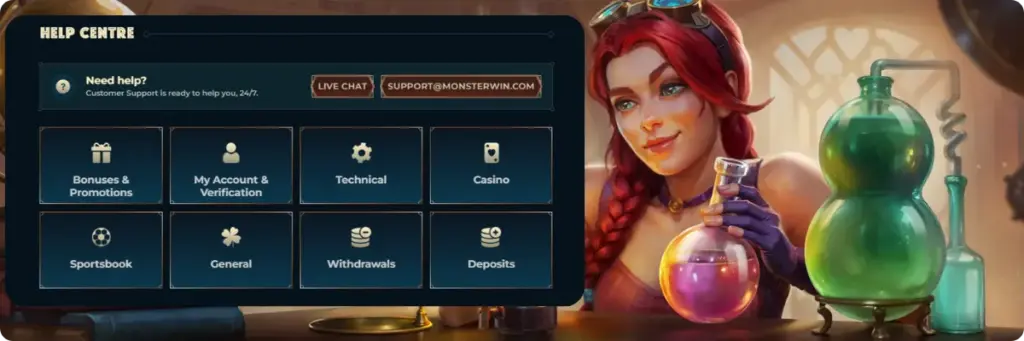
Our Canadian support team runs 24/7 with under 90-second response times for live chat. Email usually gets back within 4-6 hours. App also has an FAQ covering 87 common questions about deposits, bonuses, withdrawals, game rules, tech problems – organized by category so you can help yourself quick.